Editor Overview
This guide will help you to get familiar with the DioMio Scene Editor. Let’s dive in!
Scene Selection
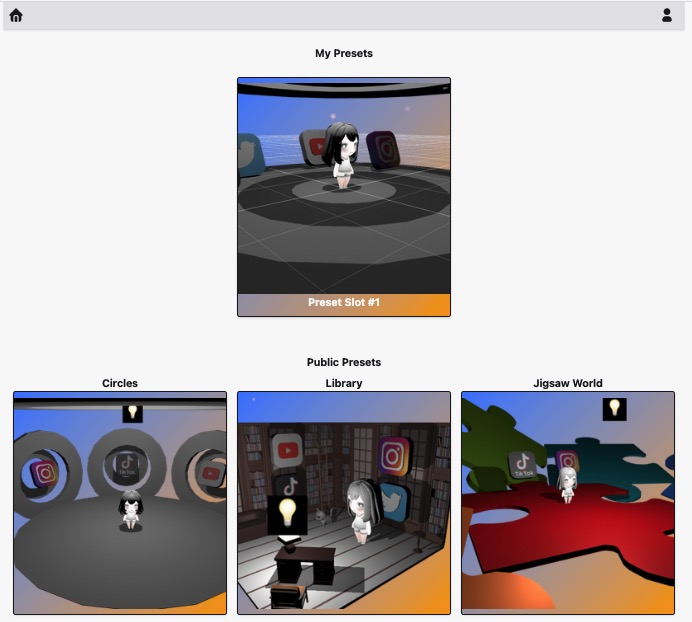
- the default editor screen is where you can select the look’n’feel of your scene from the existing templates below
- on top there’s a preview of your current scene (if any)
Scene Editor
- this is where editing of your scene happens
Available Item Features
- all available features with description are listed on the following page
User Profile
- changing your username